
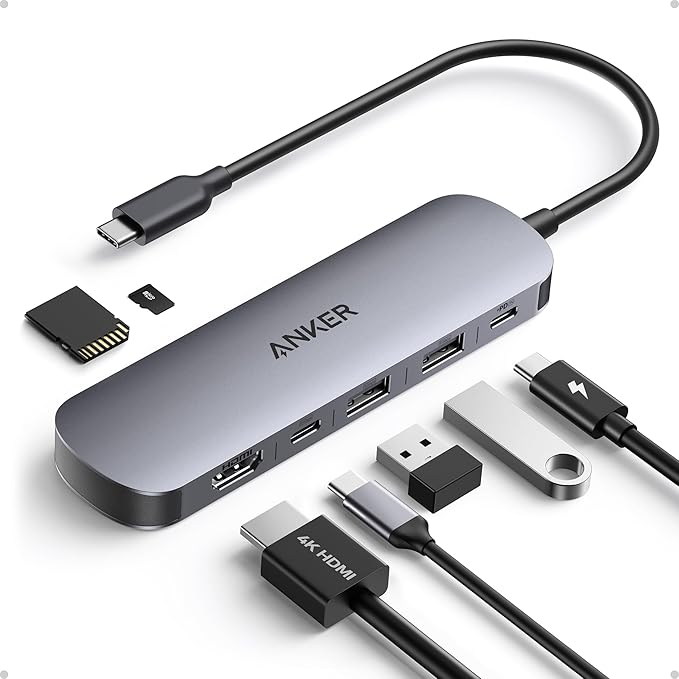
My old USB-C hub stopped working correctly. It displayed colors wrong, and swapping cables and computers did not help. It was a UGREEN hub that had worked well until then, so I can still recommend the brand, but this one just gave out. As a replacement I bought the Anker Nano 7-in-1 USB-C Hub*. I needed 4K at 60Hz because I use my 4K TV as a monitor.
What is in the box and how it feels
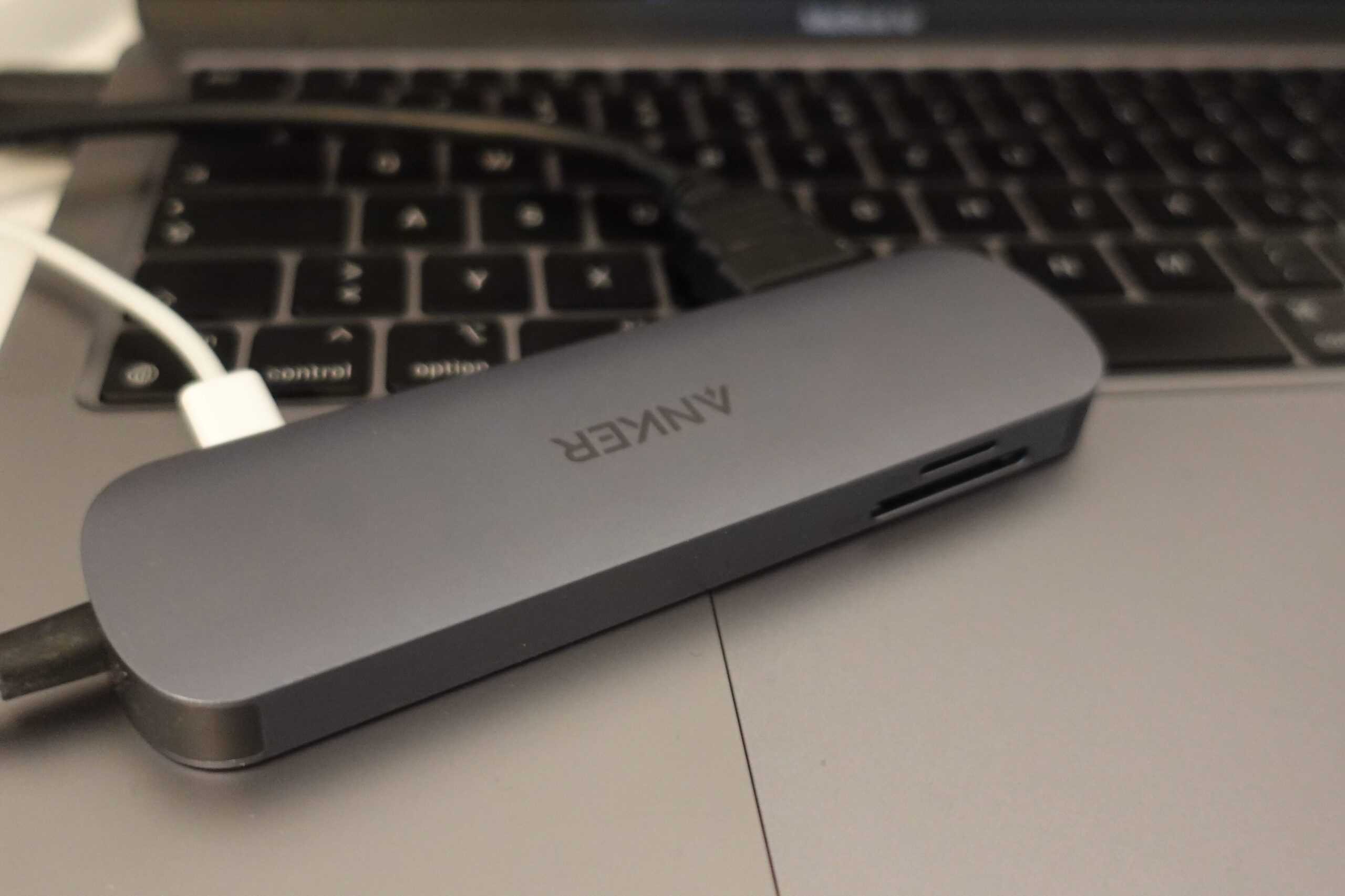
There is nothing in the box except the hub and a safety sheet. It was discounted from about 30 to about 20 euros when I bought it. It feels durable and well made, similar to the MacBook. The color does not match Space Gray perfectly, and neither did my old hub, so judge that for yourself. It will sit out of sight on my desk anyway.
Ports
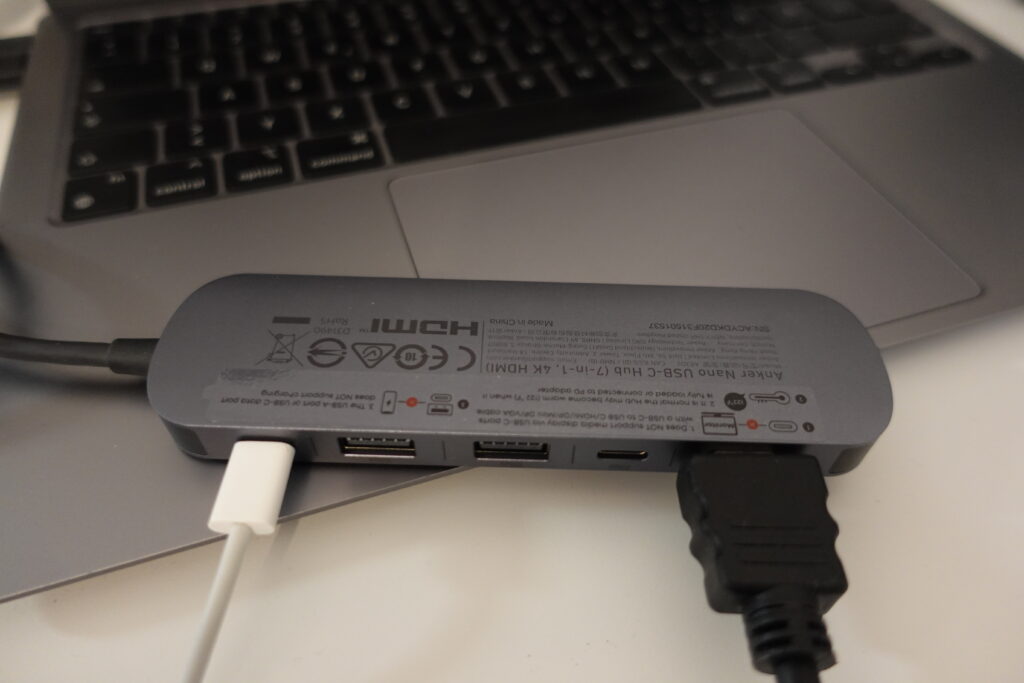
- microSD and SD card slots
- One USB-C port for power only
- Two USB-A 3.0 ports (5 Gbps)
- One USB-C data port, which does not support displays or charging, according to Anker’s product page
- One HDMI port, the reason I bought it
Getting 4K at 60Hz
At first, macOS only offered 2560 by 1440 at 60Hz or 4K at 30Hz. I need 60Hz, because at 30Hz you can really tell. It looks great but it does not feel great. I also need the 4K scaling, otherwise every window is too big to use up close.
I set the resolution to 4K, but the refresh rate still showed 30Hz. Here is what I tried:
- I rebooted the Mac and restarted the Samsung TV by holding the off button on the remote until the Samsung logo appeared. It still showed 30Hz.
- I swapped the cables. No change.
- I plugged the MacBook’s power cable into the hub’s USB-C power port instead of directly into the MacBook. After that, 4K at 60Hz showed up.
I can’t say for sure which of these steps did it. Powering the hub through its own port is the last thing I changed before it worked, so try that first.
The SSD speed test
I also tested my old Samsung T3 external SSD through the hub and got only about 165 MB per second. I don’t know why. One possible reason is that I unplugged the drive without ejecting it, and the drive may have been repairing itself. If I find the cause I will update this post. If you have an idea, leave a comment. If it stays that slow, I will contact Anker.
Verdict
The hub does what I needed: 4K at 60Hz over HDMI once I powered it through its own port. Even at lower resolutions, 60Hz makes the TV usable as a monitor. For about 20 euros on sale, I’m happy with it.
*Affiliate link: if you buy through it, I may earn a commission at no extra cost to you.
This post may contain affiliate links. These links are marked with an * and I may earn a commission from qualifying purchases.